在Windows上安装Ubuntu子系统系统,报错WslRegisterDistribution failed with error: 0x8007019e
在Windows应用商店安装Ubuntu系统,报错WslRegisterDistribution failed with error: 0x8007019e1. 报错内容Installing, this may take a few minutes...Installation Failed!Error: 0x8007019ePress any key to continue...这...
·
在Windows应用商店安装Ubuntu系统,报错WslRegisterDistribution failed with error: 0x8007019e
1. 报错内容
Installing, this may take a few minutes...
Installation Failed!
Error: 0x8007019e
Press any key to continue...
这是因为电脑中没有安装 Windows 子系统支持
2. 解决办法
我们用管理员打开 PowerShell,输入
Enable-WindowsOptionalFeature -Online -FeatureName Microsoft-Windows-Subsystem-Linux
然后重新启动电脑就可以了。
然后。。。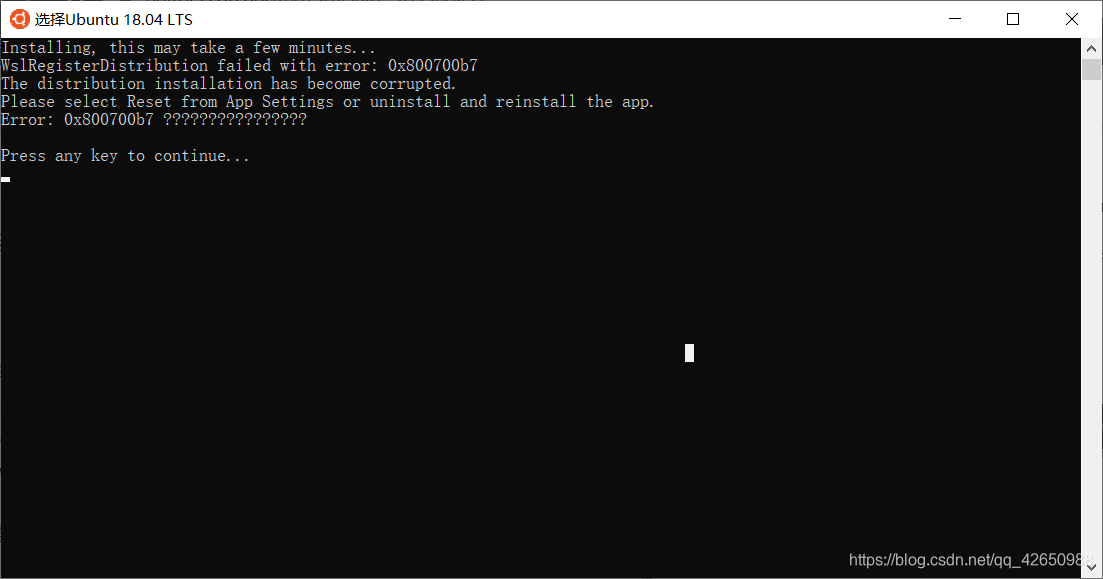
原来是文件损坏了(我也不知道为啥,重装就完事儿了)
然后就OK了: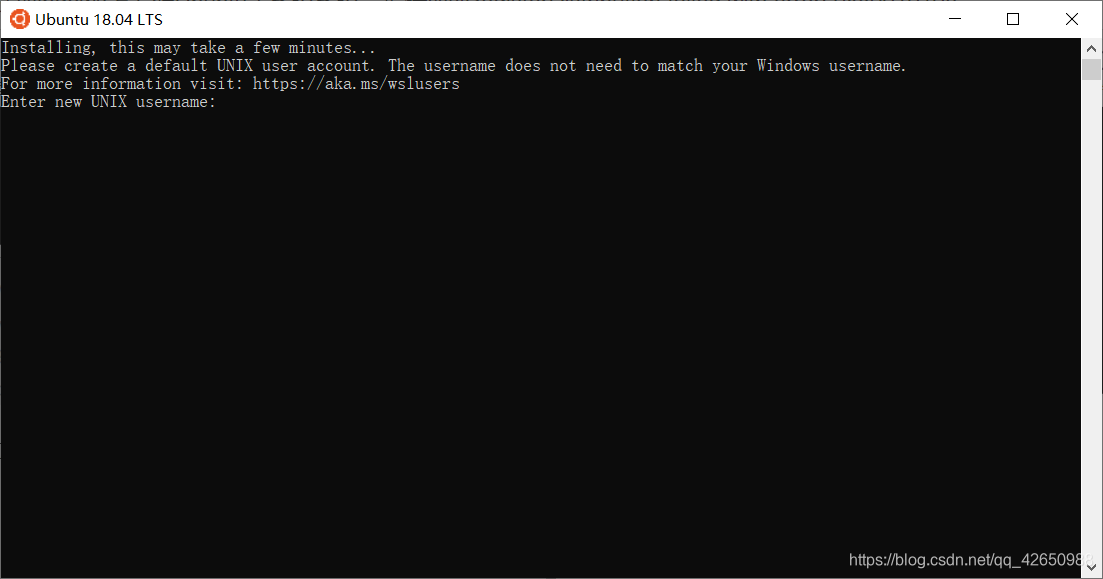
3. 卸载方式
查看所有已经安装的分发版本:
wsl --list --all
查看正在运行的分发版本:
wsl --list --running
删除指定的分发版本:
wsl --unregister <DistributionName>

一站式虚拟内容创作平台,激发创意,赋能创作,进入R空间,遇见同道,让优质作品闪耀发光。
更多推荐

 16
16 0
0- 0


 已为社区贡献1条内容

所有评论(0)